Crypto-Named Guests Fill 118 ScreenConnect Servers with Fake Sessions
Huntress found 2,408 unauthorized guest sessions across 109 organizations. MSPs should identify the fake clients, preserve session history and update technician hosts.
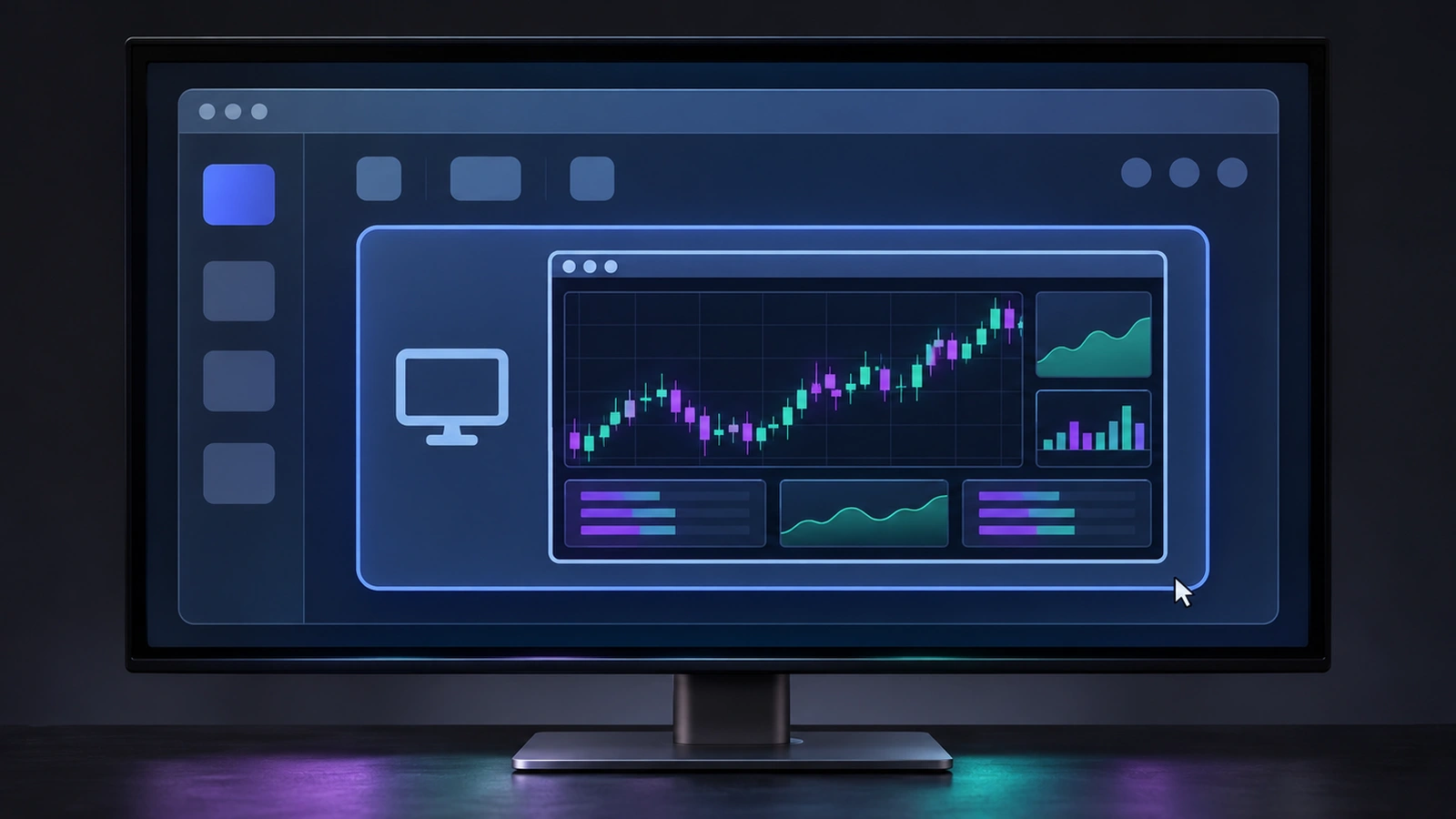
Crypto-exchange names are turning up in ScreenConnect consoles where nobody installed the computers. Huntress found 2,408 unauthorized guest sessions enrolled since November 3 across at least 118 self-hosted servers belonging to 109 Huntress-protected organizations. For MSPs, these entries look like unattended customer machines ready for a technician to open. Their thumbnails show trading desktops, and names include KUCOIN-SRV and LAPTOP-BINANCE.
The first MSP to ask Huntress about the entries had a clean server, with the unfamiliar sessions present in its session database. An unauthorized guest can therefore appear on an otherwise healthy ScreenConnect server.
Huntress has observed technicians opening some of these sessions. Its investigation found no guest-side file transfer or command activity from the crypto-named machines; examine joins on their own evidence.
How the fake guests stay online
ScreenConnect gives an unattended Access guest a standing place in the server console. A technician sees it alongside genuine customer computers. A guest installer includes the server relay address needed for enrollment, and ScreenConnect makes such installers available without authentication by design. Huntress found the first investigated MSP’s installer publicly downloadable and retrieved by an online scanning service weeks before the first fake sessions appeared. That is a plausible way to learn the relay address, rather than evidence of who downloaded it for this campaign.
Huntress says a scripted emulator registers the fake Windows guests. Their server database entries combine ClientType 1 with an empty guest public key and a claimed guest version of 25.3.4.9288. Search for all three fields together to avoid flagging a guest on its claimed version alone. Across 29 servers with complete connection histories, Huntress measured repeated operator visits every 151 seconds; connections typically lasted about 64 minutes and reconnecting sessions returned about every 55 minutes. The repeats kept entries appearing online.
Most of the related guest connections came from 74.208.158[.]106, a host in IONOS space. Huntress also traced the first three sessions on November 3 to 197.47.160[.]252. Treat those addresses as pivots alongside the database fields and session names; blocking one address alone leaves room for a new source. Huntress saw no overlap with the indicators in its separate SCKit ScreenConnect investigation. That earlier story concerns rogue clients pushed to managed endpoints. Here the new entries are guests registered on MSP servers.
A technician join changes the stakes
In a handful of investigated cases, technicians joined the unfamiliar sessions, usually for less than 30 seconds. Huntress writes: “The file or command events related to them came from the technician’s side.” One technician used the send-text feature twice during a longer connection. Because ScreenConnect does not retain that text, Huntress treated possible credential exposure as a reason to contact the MSP. Check any text a technician may have sent for secrets and handle suspected credential exposure through the incident process.
Where the client flaw fits
Huntress raises a second concern: a malicious guest could exploit CVE-2026-84869 when an unpatched technician client joins. The ConnectWise bulletin and CVE record describe a client flaw that allows files to be transferred and executed in an active remote session without host authorization or confirmation in certain circumstances. The vulnerable component is the client; ConnectWise says ScreenConnect servers are unaffected by this flaw. Huntress has not observed these guests exploiting that flaw; its investigation treats the possibility as a hypothesis.
Find the sessions, protect technician hosts
For MSPs running self-hosted ScreenConnect, compare the Access session list and a preserved copy of App_Data\Session.db and its WAL file with the combination of exchange-and-role names, blank company or site fields, claimed guest version 25.3.4.9288, ClientType 1 and empty guest public key. Inspect server history for joins and for file, command or text events, separating technician-side actions from guest-side actions. Preserve the history before deleting confirmed unauthorized sessions. Keep technicians from joining entries they cannot tie to a customer.
Update on-premises ScreenConnect and its technician host clients to 26.6.5 or later, then reinstall host clients and update Access agents as ConnectWise directs. Cloud instances receive server updates automatically; ConnectWise still recommends reinstalling host clients and updating Access agents. Check installed host-client versions in server history rather than assuming a server upgrade updated every workstation. Where a change freeze delays patching, remove TransferFiles from each role’s assigned session groups under Administration > Security > Roles, then restore permissions under your change process after updating. ConnectWise calls this a temporary mitigation.
If an unpatched technician client joined a fake, look for guest-side file events and examine that workstation’s ScreenConnect Temp and Startup folders and process history. Huntress lists ScreenConnect.WindowsClient.exe launching cmd.exe, powershell.exe, wscript.exe or msiexec.exe with a file under Documents\*\Temp\ as a host-side exploitation shape. A session entry alone calls for enrollment cleanup; a joined session with suspect host activity calls for workstation investigation. Verify the cleanup against a fresh session list and retained history, and confirm the host clients used by technicians now report a fixed version.