PyPI puts release-file provenance warnings on project pages
The new Security tab exposes per-file attestations and warns when a release changes or loses its publishing origin; inspect the file before installing.
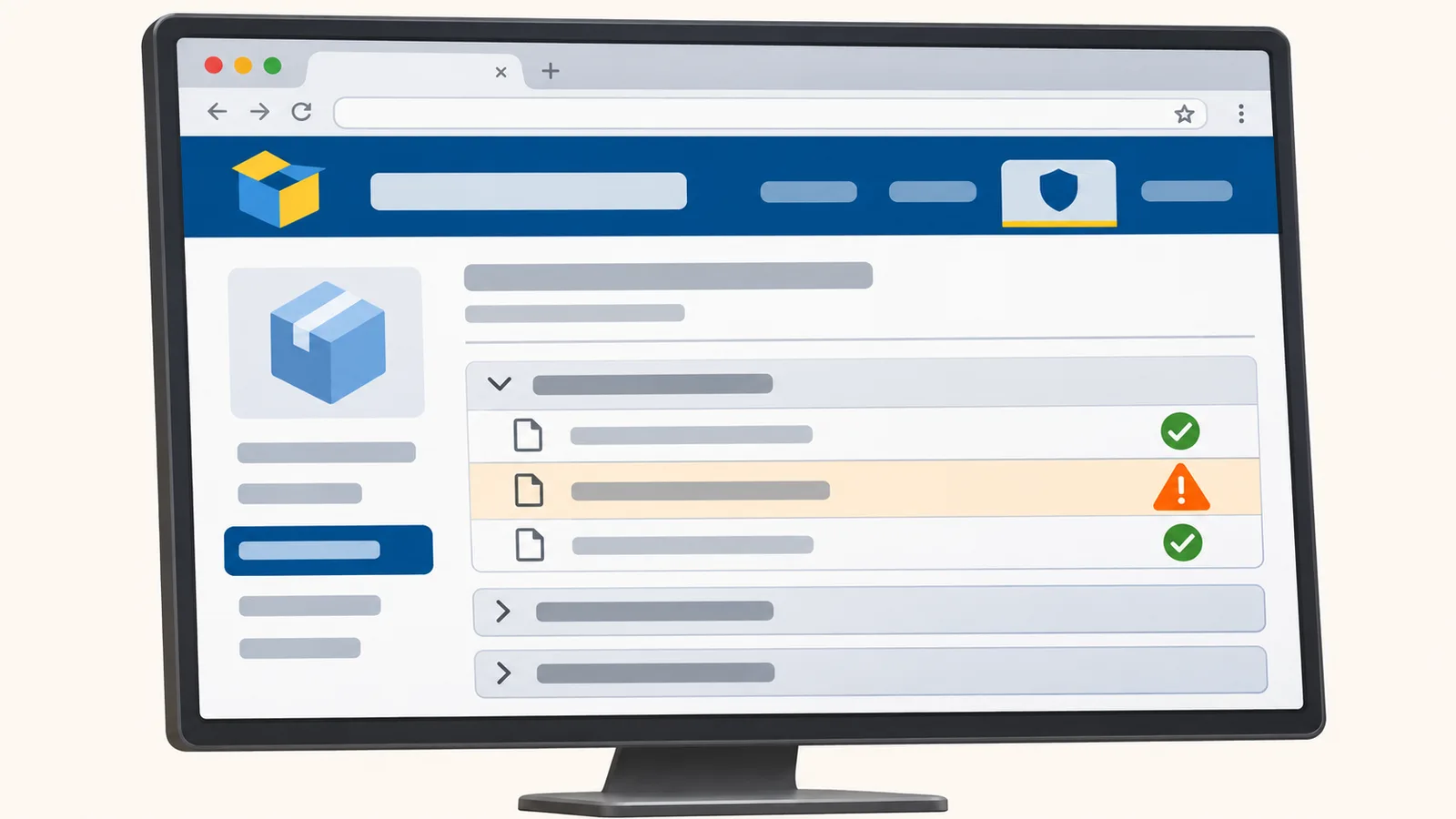
PyPI’s redesigned project pages are live, with a Security tab that shows attestations for individual release files and warns when a release’s publishing origin changes. For anyone reviewing Python dependencies before installation, that puts a useful check beside the specific wheel or source archive they plan to consume. A changed repository or publishing workflow can be a normal migration; it can also be a sign of a compromised account or pipeline.
The November 6 PyPI announcement describes four provenance warnings: incomplete, inconsistent, changed and lost. Project pages also surface warnings at the top, beside yanked-release, archived-project and pre-release banners. When PyPI quarantines a project or release, its quarantine banner takes precedence. The new layout makes an unusual release easier to spot before a dependency update reaches a build.
Attestations belong to individual files
PyPI determines a release’s state by checking each file for an attestation. Full provenance means every release file has one; no provenance means none do. According to PyPI’s attestation documentation, each attestation binds a particular distribution, such as a wheel or source archive, to a cryptographic digest and a signing identity. A PyPI Publish attestation identifies the Trusted Publisher used to upload the file. SLSA Build Provenance links the file to its source commit, build platform and instructions. Each file can carry either type or both.
PyPI puts the attestation metadata and a transparency-log link in the Security tab. The release-files table displays each file’s provenance state too. For example, when a pipeline publishes wheels through Trusted Publishing but uploads the source archive with an API token, PyPI calls the release incomplete provenance. The file you install may be the one without an attestation.
PyPI says, “No provenance does not necessarily indicate that a release or release file is malicious.” Older releases and projects without Trusted Publishing commonly lack attestations. For those releases, inspect maintainer history, release patterns and repository activity to judge the package.
Publisher changes deserve a closer look
Inconsistent provenance means files in one release point to different repositories or build systems. Change of provenance compares a release’s origin with earlier releases; a planned repository move can explain it. Loss of provenance means a project that previously used attestations now uploads files without them. Compare the repository and workflow in the file’s attestation metadata with prior releases and with the maintainers’ release notes or official channels. If the change is unexplained, hold that dependency update and ask the project before installing it.
PyPI also marks late files in its release-files tab with an orange warning icon. That indicator applies to releases from before July 2026 when a file was uploaded more than 14 days after the release’s first timestamp. PyPI now rejects new files after 14 days; the old-release warning remains useful when evaluating historical artifacts.
Match the file to its publisher
For a proposed dependency update, open the specific PyPI release and inspect the wheel or source archive your installer will select. Check the Security tab’s attestation metadata against the repository and publishing workflow the maintainers use. When the state is incomplete, inconsistent, changed or lost, resolve the difference through release notes or official project channels before advancing the version. Use the attestation to check a particular file’s recorded origin; review its contents and project history separately.
Maintainers who want future files to carry PyPI Publish attestations can configure Trusted Publishing with an attestation-producing CI identity. PyPI exchanges that publisher’s OIDC identity for a project-scoped upload token valid for 15 minutes, avoiding a long-lived release token in CI. After publishing, open the new release, inspect every file in the Security tab and confirm its origin matches the intended repository and workflow. If one file lacks the expected attestation, investigate that file’s upload path before promoting the release.